Is Your WiFi Extender Actually Making Things Worse? A Brutally Honest Look at the Trade-Offs

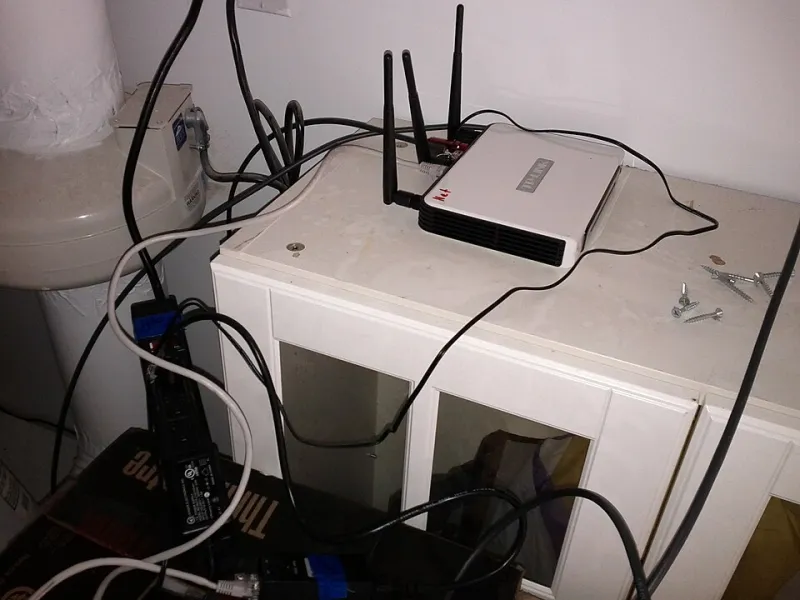
Photo: Jan Vašek, CC0, via Wikimedia Commons
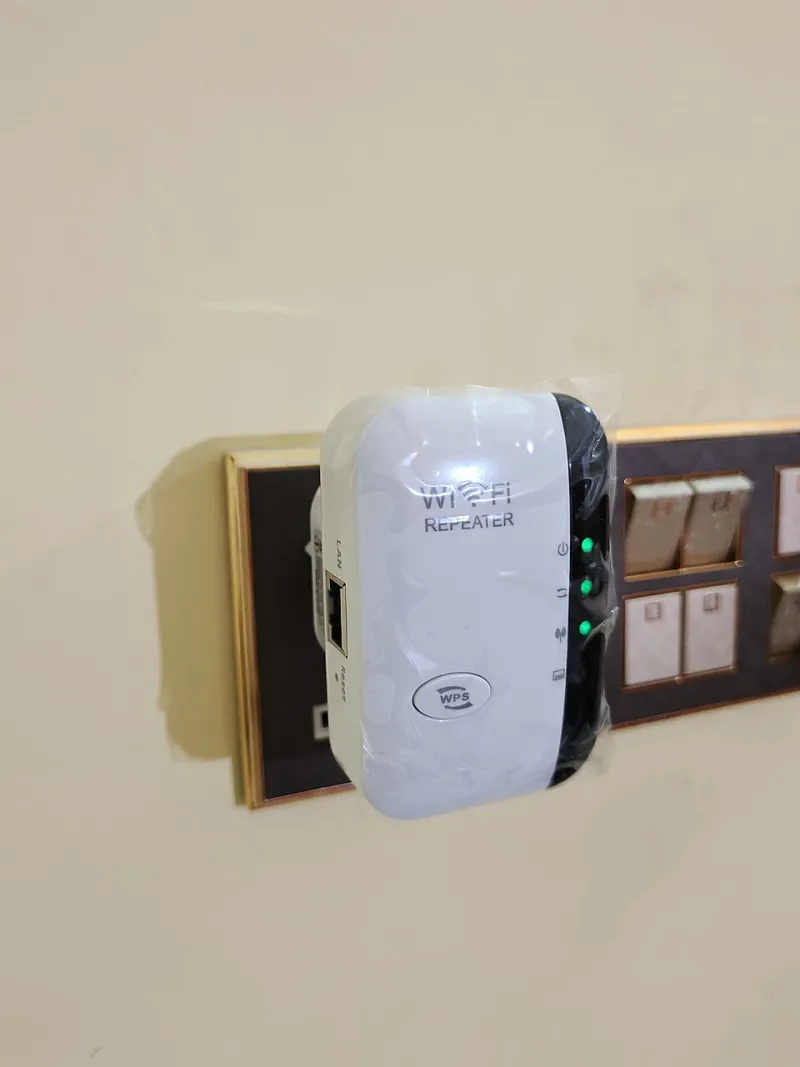
WiFi extenders have a bit of an image problem — not because they're bad products, but because they're sold as universal solutions to a problem that doesn't always have a universal fix. Walk into any Best Buy, scroll through Amazon, and you'll find rows of boxes promising stronger signals, eliminated dead zones, and whole-home coverage. What you won't find on those boxes is a candid explanation of the performance trade-offs that come standard with the technology.
This article isn't here to tell you extenders are useless. They're not. But they're also not the right answer for every home, every layout, or every user. Here's what the manufacturers aren't volunteering — and how to figure out whether your extender is pulling its weight or quietly dragging your network down.
The Throughput Tax: How Extenders Lose Bandwidth by Design
The core limitation of a WiFi extender isn't a flaw that can be patched with a firmware update — it's structural. Traditional range extenders operate in half-duplex mode, meaning they use the same radio to receive data from your router and transmit it to your devices. Because they can't do both simultaneously, effective throughput is cut roughly in half just to keep the signal moving.
Dual-band extenders partially address this by using one frequency band as a dedicated backhaul (the connection back to your router) and the other for client devices. When this works well, you can recover a meaningful chunk of that lost bandwidth. When it doesn't work well — because the backhaul band is too far from the router, congested, or obstructed — you're back to the same bottleneck with a more expensive device.
In practical terms: if your home internet plan delivers 500 Mbps and your extender is doing its job reasonably well, devices connected through it might see 200-300 Mbps on a good day. That's often fine for streaming, browsing, and casual video calls. It becomes a real problem if you're trying to run a home office with multiple video conferences, transfer large files, or game competitively from a room that depends on the extender.
Latency: The Hidden Performance Hit
Speed isn't the only metric that matters. Latency — the delay between sending a request and getting a response — is equally important for real-time applications, and it's where extenders often fail quietly.
Every time data passes through an extender, it adds a processing hop. On a single-band extender, that hop can add 10-20 milliseconds of latency or more. Doesn't sound like much? For video calls, that contributes to the slightly-off lip sync and awkward pauses you might have written off as "just how video calls are." For online gaming, it's the difference between a responsive experience and one that feels like you're playing through wet concrete.
If you've noticed that video calls from a specific room are always slightly glitchy, or that gaming performance dips when you're away from the main router, your extender's latency overhead is a likely suspect — and it's not something you can optimize your way out of.
The Diagnostic Checklist: Red Flags Your Extender Is Sabotaging You
Before writing off your extender entirely, run through this checklist. If you're checking off multiple boxes, it's time to have an honest conversation about whether the extender is the right tool for your situation.
Speed-related red flags:
- Devices on the extender network consistently show less than 25% of your base router speed
- Speed tests at the extender's location are already weak (under 50% of router baseline)
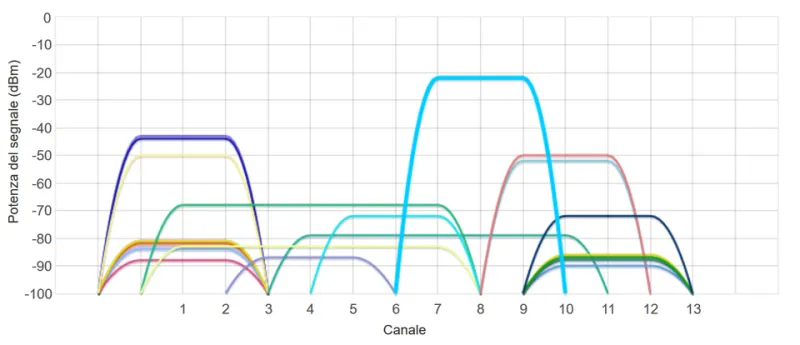
- Performance drops noticeably at certain times of day (suggests interference, not just placement)
Reliability red flags:
- Devices frequently disconnect from the extender network and reconnect to the main router (or vice versa)
- You have to manually switch networks when moving around your home
- The extender requires regular reboots to maintain any usable connection
Application-specific red flags:
- Video calls from extender-connected devices are noticeably worse than from router-connected devices
- Smart home devices on the extender network respond slowly or miss commands
- Streaming buffers or drops quality specifically when using the extender's network
If three or more of these apply to your setup, your extender isn't extending your network — it's creating a secondary, inferior network that coexists awkwardly with your main one.
When an Extender Actually Makes Sense
Fair is fair: there are real scenarios where a WiFi extender is the right call, and it's worth being specific about them.
Extenders work well in homes with simple layouts and minimal obstructions — think single-story ranch houses, apartments where the dead zone is just one room away from the router, or vacation properties where occasional use doesn't justify a bigger investment.
They're also a reasonable choice when the dead zone is caused by distance, not obstacles — a detached garage, a backyard patio, or a bonus room over the garage that's just too far for the main router to reach reliably.
And for users with lower-demand needs — occasional browsing, a smart TV that streams at 1080p, a smart speaker — the throughput penalty of an extender rarely causes noticeable problems.
When You Should Walk Away from Extenders Entirely
The scenarios where extenders genuinely underserve users are more common than the marketing suggests.
Multi-story homes with mixed construction materials — especially older homes with plaster walls, brick, or metal-backed insulation — are poor candidates for extenders. The signal degradation from these materials means the extender is often working with a compromised input before it even tries to rebroadcast.
Power users and home office setups are frequently let down by extender limitations. If you're on video calls for hours a day, running a NAS, or have multiple people working and streaming simultaneously from the same area, the bandwidth overhead and latency of an extender will create friction that compounds over time.
Homes where devices need to roam seamlessly — like households with Ring cameras, Nest thermostats, or other smart home ecosystems that rely on consistent connectivity — can run into real problems with extenders. Most extenders create a separate network name (SSID) that devices don't automatically hand off to, which means your Roomba might lose connection when it wanders into the extender's zone.
For these situations, a mesh network system is almost always the better long-term answer. Mesh systems use dedicated backhaul channels (in tri-band setups), handle device roaming automatically, and are managed as a single unified network. The upfront cost is higher — a solid entry-level mesh system like the TP-Link Deco or Eero runs $150-250 for a two or three-node setup — but the performance ceiling and reliability are meaningfully better.
Powerline adapters are worth considering in homes where running an Ethernet cable is impractical but the electrical wiring is relatively modern. They use your home's electrical circuits to carry network traffic and can deliver more consistent performance than a wireless extender in certain layouts.
The Bottom Line
WiFi extenders are a legitimate tool with a specific job description. They're not magic, and they're not appropriate for every home or every user. The most expensive extender on the market still carries the fundamental trade-offs baked into the technology — and in the wrong environment, those trade-offs will cost you more in frustration than you saved by not buying a mesh system.
The honest move is to assess your actual situation against the red flags above before committing to any solution. If an extender fits your needs, great — there are solid options at every price point. If it doesn't, the sooner you recognize that, the sooner you can stop troubleshooting a problem that better hardware would just solve.