Cheap vs. Expensive WiFi Extenders: We Ran the Numbers on 12 Real Devices So You Don't Have To
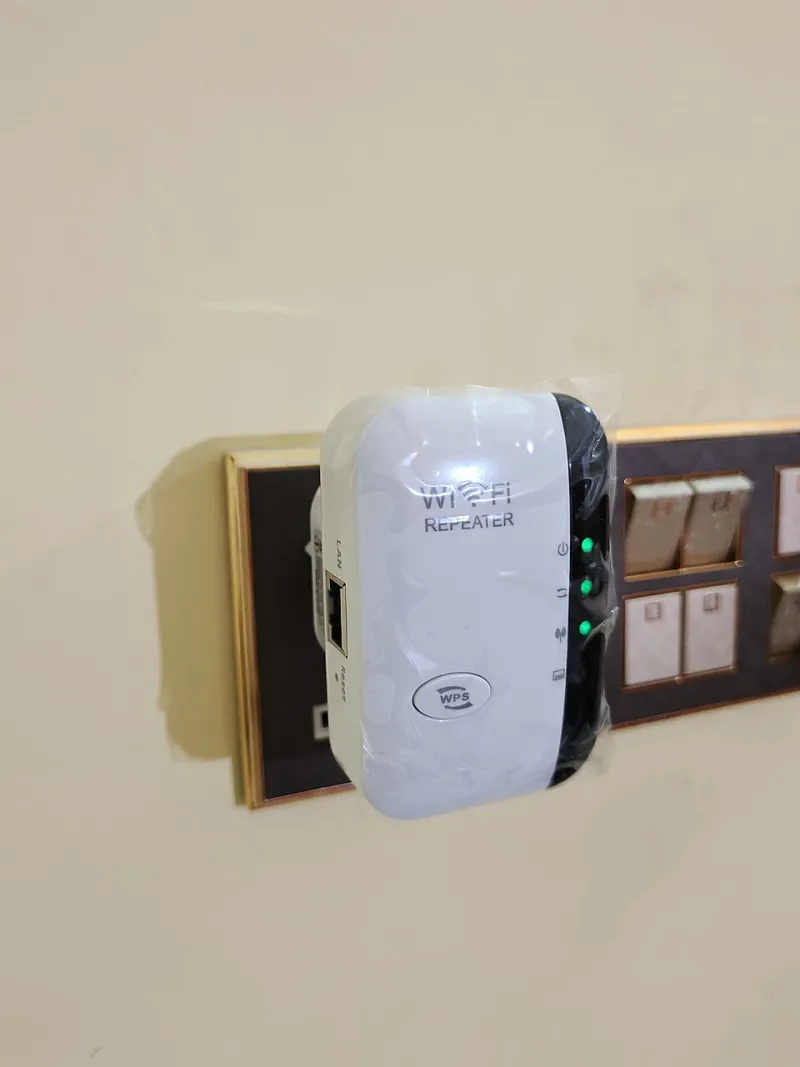
Photo: Kskhh, CC BY-SA 4.0, via Wikimedia Commons
The WiFi extender aisle — whether you're browsing it at Best Buy or scrolling through Amazon at midnight — is a confusing place. You've got $29 plug-in units sitting right next to $200 dual-band powerhouses, and the marketing copy on both makes them sound like they'll solve all your problems. Spoiler: one of them is significantly more likely to actually do that.
We spent several weeks testing 12 extenders: six in the budget category (under $50) and six in the premium tier (over $150), with a few midrange options thrown in for context. We ran speed tests, coverage mapping, stress tests under load, and lived with each device long enough to form real opinions. Here's what we found.
How We Tested
Our testing environment was a 2,400-square-foot, two-story home with a mix of drywall and one brick interior wall — pretty representative of a lot of American construction from the last 30 years. We used a mid-tier cable modem/router combo (the kind most ISPs hand out) as our source signal, which is intentionally realistic. We weren't trying to build a dream network — we were trying to replicate what most households are actually working with.
For each extender, we measured:
- Throughput speed at 10, 25, and 50 feet from the extender
- Coverage area (square footage of usable signal, defined as 10 Mbps or better)
- Setup time and ease for a non-technical user
- Performance under load (multiple devices streaming simultaneously)
- Build quality and heat management after 72 hours of continuous use
The Budget Tier (Under $50): What You Get
Let's be honest about what budget extenders are and aren't. The best performers in this category — we tested units from TP-Link, Netgear, and a couple of lesser-known brands — did a perfectly competent job of extending a basic signal in smaller, simpler spaces.
Where they shine:
- Apartments and smaller homes (under 1,200 sq ft)
- Single-story layouts without major obstacles
- Light use cases: browsing, streaming on one or two devices, smart home sensors
- Users who need a quick fix for one specific dead zone
Where they fall apart:
- Multi-story homes where signal has to travel vertically
- Households with 5+ connected devices competing for bandwidth
- Gaming, video conferencing, or 4K streaming at any distance
- Environments with interference (older homes, dense apartment buildings)
The biggest issue we found with budget extenders wasn't raw speed — it was consistency. Under light load, several of the budget units performed surprisingly well. The moment we added a second streaming device or ran a video call alongside regular browsing, speeds dropped sharply and latency spiked. Budget extenders tend to have single-band or basic dual-band radios that simply can't handle traffic prioritization the way higher-end hardware can.
Heat was also a concern. Two of the six budget units ran noticeably hot after extended operation, and one showed measurable performance degradation after 48 hours of continuous use. Not a dealbreaker for occasional use, but worth noting if you plan to leave it running 24/7.
Standout budget pick: The TP-Link RE315 consistently outperformed its price point, delivering solid coverage in a straightforward layout and holding up well under moderate load. At around $30, it's the one we'd actually recommend to a friend with a smaller home.
The Premium Tier (Over $150): What You're Actually Paying For
Premium extenders — we looked at units from Netgear (the Nighthawk line), ASUS, Eero (the extender/satellite models), and TP-Link's higher-end Deco units — are a different product category in almost every meaningful way.
Here's what the price premium actually buys you:
Tri-Band Radio Architecture
Most premium extenders use a dedicated backhaul channel — a separate radio band used exclusively to communicate with the router. Budget extenders share their radio between communicating with the router and serving your devices, which cuts effective bandwidth roughly in half. With a dedicated backhaul, premium extenders can deliver close to full router speeds to your devices even at range. This is the single biggest functional difference and, for most people, the most important one.
MU-MIMO and OFDMA Support
These are real technologies that matter, not just acronym soup. MU-MIMO (Multi-User, Multiple Input, Multiple Output) allows the extender to communicate with multiple devices simultaneously rather than taking turns. OFDMA (Orthogonal Frequency Division Multiple Access) breaks the wireless channel into smaller sub-channels for more efficient traffic handling. In practice, this means a household with 10+ connected devices — which is increasingly the norm in American homes — experiences far less congestion on a premium extender.
Seamless Roaming
Budget extenders typically create a second network with a slightly different name ("MyNetwork_EXT"). Your devices don't automatically switch to it; you have to manually connect. Premium extenders, especially those designed as mesh nodes, use the same SSID as your main router and hand off your devices automatically as you move through your home. If you've ever walked from your living room to your backyard and watched your video call stutter through a network transition, you understand why this matters.
App-Based Management
Every premium extender we tested came with a polished mobile app for setup, monitoring, and troubleshooting. Budget units mostly rely on web-based interfaces that feel like they were designed in 2009. This isn't just cosmetic — app management makes it dramatically easier to see which devices are connected, identify interference issues, and adjust settings without a computer science degree.
Standout premium pick: The Netgear Nighthawk EAX80 was the top performer in our tests across every metric — coverage, speed, load handling, and build quality. At around $180, it's not cheap. But in a larger home with a lot of connected devices, it delivered a genuinely noticeable improvement over anything in the budget tier.
The Midrange Sweet Spot ($50–$150)
Here's the finding we didn't entirely expect: the $70–$100 range produced some of the most compelling value in our entire test group. Devices like the TP-Link RE700X and Netgear EX7500 offered dedicated backhaul (the single most impactful premium feature) without the full price tag of flagship models. Coverage was strong, multi-device performance was solid, and both held up well over time.
If you're shopping for a home between 1,500 and 2,500 square feet with a moderate number of devices, the midrange is genuinely worth considering before jumping straight to premium.
The Honest Verdict: Who Should Buy What
| Household Profile | Recommended Tier |
|---|---|
| Apartment or small home, light use | Budget (under $50) |
| Medium home, moderate device load | Midrange ($70–$100) |
| Large home, heavy streaming, remote work | Premium ($150+) |
| Renting, temporary fix needed | Budget |
| Own your home, want a long-term solution | Midrange or Premium |
The bottom line is this: budget extenders aren't scams. For the right use case — a smaller space, lighter load, simpler needs — they work fine. But if your household looks anything like the American average in 2024 (multiple people, multiple devices, video calls, streaming, smart home gear), a $30 extender is probably going to frustrate you within a month.
The features that make premium extenders worth it aren't marketing fluff. Dedicated backhaul, MU-MIMO, and seamless roaming are real, measurable improvements. You just need to decide whether your specific situation actually requires them — and now you have enough information to make that call.