Why Plugging Your WiFi Extender in the 'Obvious' Spot Is Probably Killing Your Signal
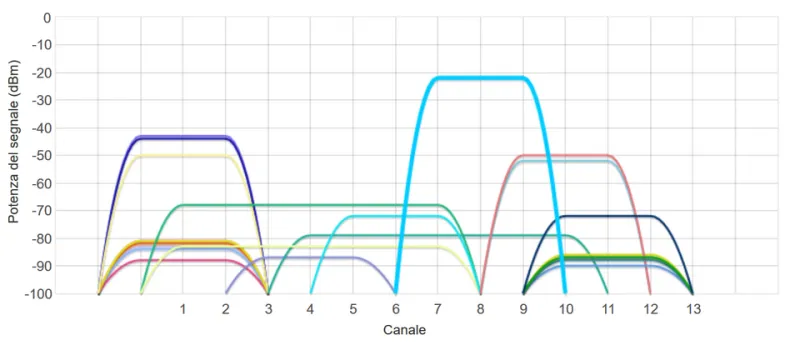
Photo: Giacomo Alessandroni, CC BY-SA 4.0, via Wikimedia Commons
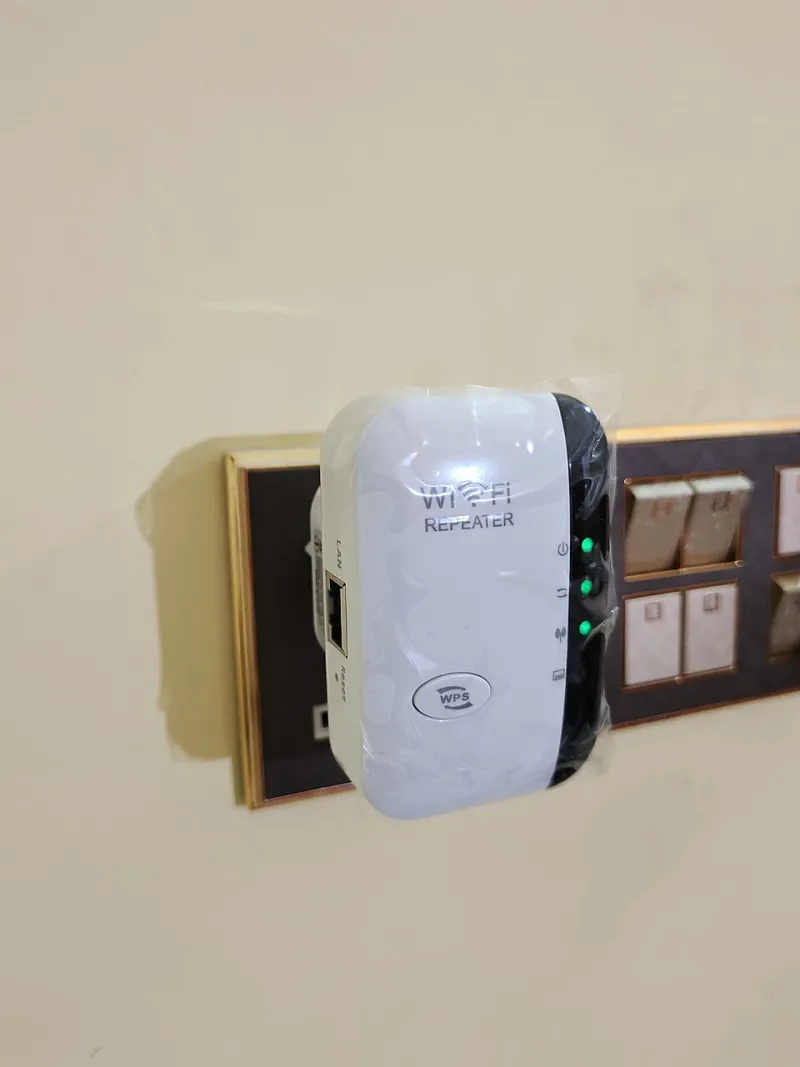
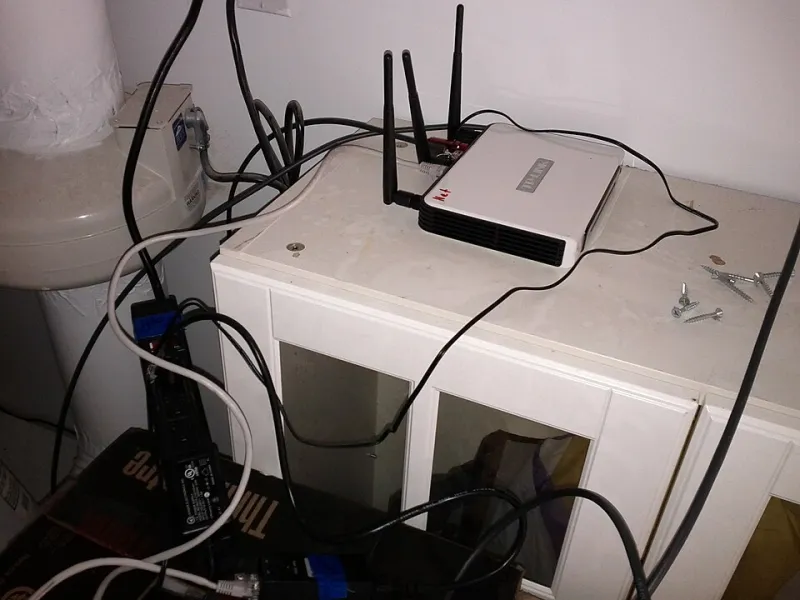
You bought the extender. You plugged it in halfway between your router and your dead zone — just like every setup guide on the internet told you to. And yet, somehow, the back bedroom still buffers during every Zoom call, and your smart TV keeps dropping off the network like it has somewhere better to be.
Welcome to what we call the placement paradox. The "right" location for a WiFi extender almost never matches where your gut says it should go. Understanding why that is — and what to do about it — is the difference between a fix that actually works and a device collecting dust behind the couch.
The Halfway Rule Is a Starting Point, Not a Solution
You've heard it a hundred times: place your extender halfway between the router and the area you're trying to cover. It's not wrong, exactly — but it's dangerously oversimplified. WiFi signals don't travel in neat straight lines. They bounce, scatter, absorb, and sometimes cancel themselves out in ways that have nothing to do with raw distance.
The halfway rule assumes your home is an open field. It isn't. Your home is a maze of drywall, insulation, plumbing, appliances, and furniture, all of which interact with your 2.4 GHz and 5 GHz signals differently. Placing your extender at the geometric midpoint of your floor plan might put it directly behind a load-bearing wall stuffed with metal studs — which is basically a signal graveyard.
What Your Walls Are Actually Doing to Your Signal
Not all walls are created equal, and this matters more than most people realize. Here's a rough hierarchy of how common building materials affect WiFi:
- Drywall: Minimal interference. Most standard interior walls won't kill your signal.
- Brick and concrete: Significant absorption, especially on 5 GHz. Older homes and basement walls are often the culprit behind stubborn dead zones.
- Metal studs and insulation with foil backing: These can actually reflect signals, creating interference patterns rather than blocking them outright. The result is unpredictable coverage — strong in one corner, dead in another three feet away.
- Appliances (refrigerators, microwaves, HVAC units): Metal appliances absorb and reflect signals. Placing your extender in a kitchen alcove next to the fridge is a common mistake.
- Mirrors and fish tanks: Surprising culprits. Large mirrors and water-filled tanks are surprisingly effective at deflecting 5 GHz signals.
The takeaway here is that your extender doesn't just need a clear path to your router — it needs a clear path to both the router and your devices simultaneously. That's a harder geometry problem than most people account for.
The Closet Trap (And Other Spots That Seem Smart)
A lot of homeowners, trying to keep things tidy, tuck their extenders into closets or utility spaces. It makes sense aesthetically. It's a disaster technically.
Closets are often surrounded by dense materials — shelving, stored items, insulation — that act as a signal cage. Even a modest closet can reduce your extender's effective range by 40% or more. The same goes for corners of rooms. Signals radiate outward in roughly spherical patterns, and a corner placement means half that radiation is going straight into walls instead of into your living space.
Other spots that consistently underperform:
- Behind televisions: The TV itself creates interference, and the entertainment center usually adds metal shelving to the mix.
- Near cordless phones or baby monitors: These often operate on the 2.4 GHz band and actively compete with your extender's signal.
- On the floor: WiFi signals propagate horizontally better than they travel downward. Floor placement is almost always suboptimal.
- Too close to the router: This is surprisingly common. If your extender is within 10 feet of the router, it's mostly redundant — it's rebroadcasting a signal that was already strong in that area.
Signal Reflection: The Hidden Variable Nobody Talks About
Here's where it gets genuinely counterintuitive. In some environments, signal reflection can actually help you — but only if you understand how to use it. Hard, flat surfaces like hardwood floors, tile, and painted drywall reflect WiFi signals rather than absorbing them. In a well-configured setup, this means a signal can bounce off a hallway wall and reach a room it couldn't hit directly.
The problem is when reflections collide. When your extender's signal bounces off multiple surfaces and those reflected waves meet, they can create interference patterns — spots where the waves cancel each other out and coverage drops to nearly nothing. This is called multipath interference, and it's why you sometimes get a full signal strength reading on your phone but still can't load a webpage. The signal is there, technically. It's just fighting itself.
This is also why moving your extender just a foot or two in any direction can sometimes produce dramatically different results. You're not imagining it.
A Decision Tree for Finding Your Actual Best Spot
Instead of guessing, work through these questions before you commit to a placement:
1. Where is the dead zone, exactly? Walk the area with your phone and use a free app like WiFi Analyzer (Android) or Network Analyzer (iOS) to map actual signal strength. Mark the boundary of where coverage drops below usable levels.
2. What's between your router and that boundary? Identify every wall, appliance, and obstacle in the path. If there's brick, concrete, or metal, assume signal loss is severe.
3. Is there an outlet with line-of-sight (or near-line-of-sight) to both your router and the dead zone? This is your primary candidate. "Line of sight" means through open doorways, down hallways, or through standard drywall — not through kitchens, bathrooms, or exterior walls.
4. Is that outlet at least waist height or higher? Aim for an outlet between 3 and 6 feet off the ground for most scenarios. Avoid floor-level outlets entirely if you have alternatives.
5. Test before you commit. Most extenders have signal indicator lights. Plug in temporarily, let it connect, then walk the formerly dead area before deciding it's the permanent home.
The One Counterintuitive Move That Often Works
If you've tried the logical spots and nothing is working, try this: place the extender inside the room with the problem, not in the hallway leading to it. It sounds backward — the extender needs a strong signal from the router to rebroadcast, and if the room is the dead zone, the signal there is weak.
But here's the thing: modern extenders are better at pulling in a marginal signal than they used to be, and placing the device where it needs to deliver coverage — rather than where reception is easiest — often produces better real-world results for your devices. You'll sacrifice a little incoming signal quality, but you'll gain a lot on the output side.
It won't work in every situation. But if you've been stuck, it's worth the five minutes it takes to test.
Bottom Line
WiFi extender placement is part science, part detective work. The good news is that once you stop trusting your instincts and start trusting signal data, the right spot usually reveals itself pretty quickly. Grab a signal mapping app, spend 20 minutes walking your home, and let the actual numbers tell you where to plug in. Your back bedroom will thank you.