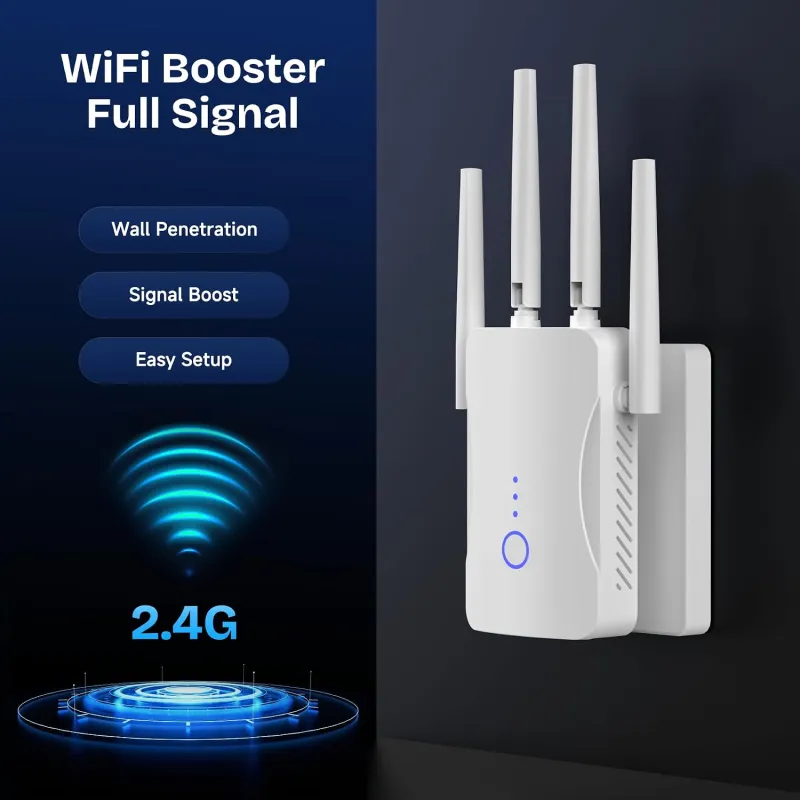
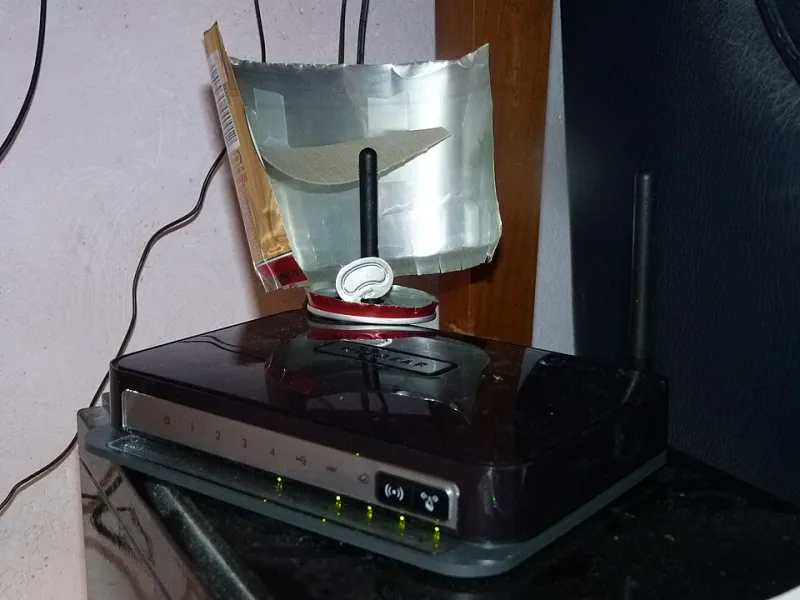
When Your Extender Becomes the Problem: How Added Coverage Can Actually Shrink Your Network
There's a moment a lot of people have after setting up a WiFi extender. They walk around the house, phone in hand, watching the signal bars climb in spots that used to be dead zones. It feels like a win. And sometimes it genuinely is.
But sometimes — more often than anyone wants to admit — something weird happens. The new areas get coverage, sure. But the areas that already worked fine start acting up. Speeds drop. Connections stutter. Devices get confused about which network to join. And suddenly the house that used to have one reliable zone and one dead zone now has two mediocre zones and a bunch of interference in between.
This is what we'd call the extender paradox, and it's worth understanding before you assume adding hardware always means adding quality.
Why More Signal Doesn't Always Mean More Coverage
Here's the thing about radio waves: they don't just travel outward and disappear. They bounce. They reflect off walls, furniture, appliances, and even people. When your router broadcasts a signal and your extender rebroadcasts that same signal, you now have two overlapping sources of radio energy competing in the same physical space.
In ideal conditions, that overlap is minimal and managed. But in a real house with real walls and real clutter, those two signals start interfering with each other. This is called co-channel interference, and it's one of the most common reasons a network with an extender actually performs worse than a network without one.
The irony is that your extender is doing exactly what it was designed to do. It's amplifying and rebroadcasting the signal. The problem isn't malfunction — it's physics.
The Interference Zone Nobody Talks About
When your router's signal and your extender's signal overlap, devices in that overlapping zone face a choice: which one do they connect to? Most devices don't make that choice intelligently. They latch onto whichever signal they detected first, or whichever has the stronger raw signal strength — even if the actual throughput on that connection is worse.
This creates what's sometimes called a "sticky client" problem. Your laptop might be sitting five feet from your router but stubbornly holding onto the extender's signal because it connected to the extender first when you were in the back bedroom. Now it's getting slower speeds not because coverage is bad, but because the connection handoff never happened.
The result? The area your router used to cover reliably now feels degraded, even though nothing about the router changed. Your extender didn't expand the network — it introduced competition into it.
How to Tell If Your Extender Is Hurting More Than Helping
The good news is this is diagnosable. You don't need professional equipment — just a bit of patience and a free app.
Step 1: Baseline your router-only performance. Temporarily unplug your extender. Then walk through your home and run speed tests at five or six spots using an app like Speedtest by Ookla or Fast.com. Note the speeds and signal strength at each location. Yes, the spots near the extender's old territory will probably look weak — that's expected. You're establishing a baseline.
Step 2: Plug the extender back in and repeat. Run the same tests at the same locations. Now compare. The spots near the extender should improve. But what about the spots in the middle — the areas that fall into the overlap zone? If those speeds went down after plugging the extender back in, you've identified your interference zone.
Step 3: Check your router's connected device list. Log into your router's admin panel (usually accessible at 192.168.1.1 or 192.168.0.1 on most US home routers) and look at which devices are connected directly versus through the extender. If devices that should be close to your router are showing up on the extender's network instead, sticky client behavior is likely dragging down your performance.
The Reflection Problem in Dense Spaces
Apartments and smaller homes with lots of interior walls face a compounded version of this issue. Signal reflections in tight spaces are more frequent and more chaotic. When you add an extender to a 900-square-foot apartment, you're not really extending anything — you're stacking two competing signal sources into a space that's already bouncing radio waves off every surface.
In these environments, removing the extender and repositioning the router often produces better overall results than keeping both devices running. A router placed centrally in a small space will almost always outperform a router-plus-extender setup where the two devices are fighting for the same airspace.
When Removing the Extender Is the Right Call
It sounds backward, but sometimes the diagnostic answer is subtraction, not addition. Consider pulling your extender if:
- Speeds in your previously good zones dropped after adding the extender. This is the clearest signal that interference is winning.
- Devices frequently drop connection or struggle to reconnect. Sticky client behavior in an overlap zone creates exactly this symptom.
- Your home is under 1,200 square feet. In most cases, a well-positioned router alone will outperform a router-extender combo in smaller spaces.
- You're on a 2.4GHz-only setup. The 2.4GHz band is already crowded in most US neighborhoods. Adding an extender on the same band is like trying to have two conversations in the same room at the same volume.
What to Do Instead
If you've confirmed your extender is shrinking usable coverage rather than expanding it, you've got a few paths forward.
First, try repositioning. If the extender is too close to the router, the overlap zone gets bigger and more problematic. A general rule of thumb: your extender should sit roughly halfway between your router and the dead zone, but never closer than 20 feet to the router in a typical home setup.
Second, if your extender supports dual-band operation, make sure it's rebroadcasting on a different band than the one it's receiving from. Some extenders can receive on 5GHz and rebroadcast on 2.4GHz (or vice versa), which dramatically reduces co-channel interference.
Third, if repositioning and band management don't fix it, this might genuinely be a situation where a mesh network system makes more sense than a traditional extender. Mesh nodes are designed to coordinate with each other and avoid the interference problems that standalone extenders create. They're a bigger investment, but for homes where the paradox keeps showing up, they're often the cleaner long-term answer.
The Bottom Line
WiFi extenders aren't bad products. But they're not magic either. The assumption that more hardware always means more coverage is one of the most common mistakes people make when trying to fix their home network — and it leads to a lot of frustration that could be avoided with a little diagnostic thinking.
Before you buy another device or move anything around, take twenty minutes to actually test whether your current extender is helping or hurting. The answer might surprise you. And if it turns out removing the extender makes things better? That's not a failure. That's just good troubleshooting.